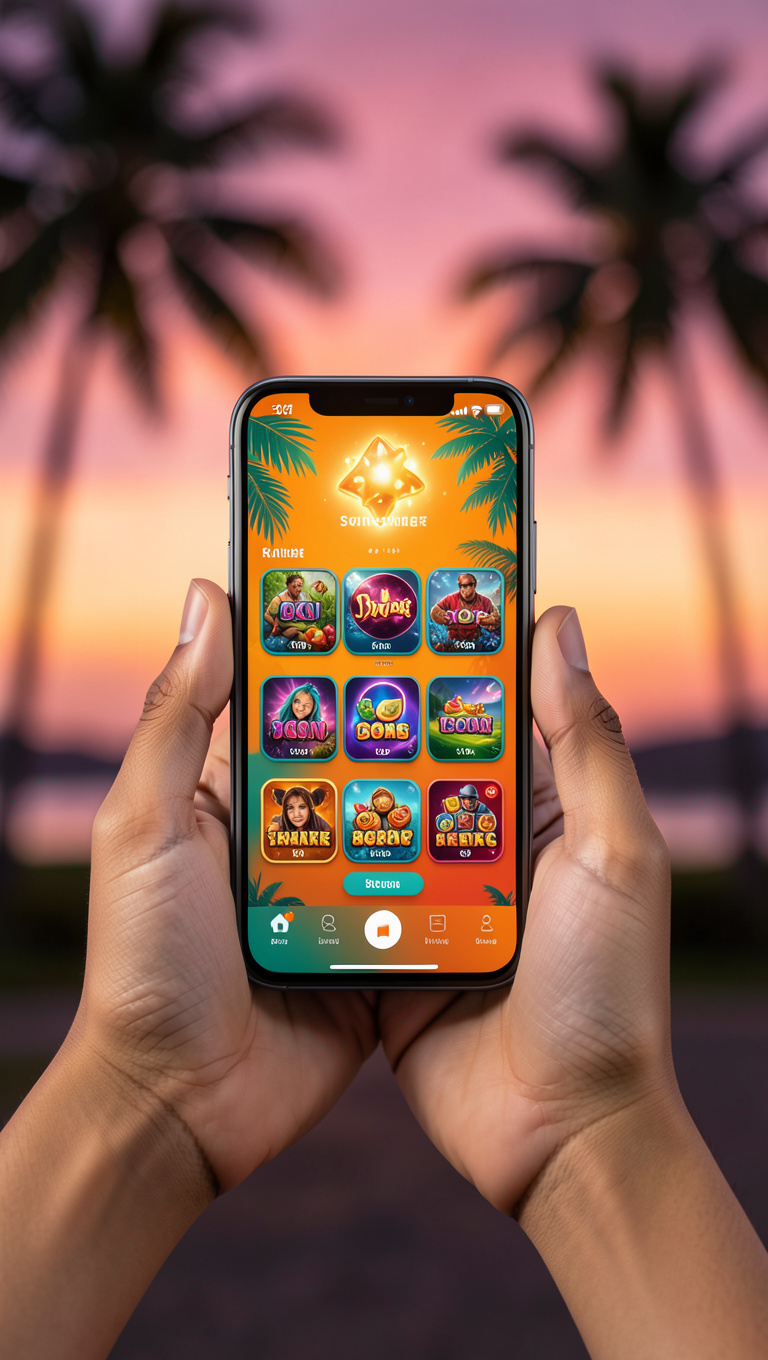
Open scatterga.me in your Android browser. Tap the floating "Download App" badge that appears on the homepage. Android will request permission to install from your browser source — allow this once in Settings → Security → Unknown Sources. The Scatter Game APK (16 MB, digitally signed by the official developer) downloads and installs in under 30 seconds on a 4G connection.
Apple's App Store does not allow real-money casino apps, so Scatter Game ships a fully-featured Progressive Web App that behaves identically. Open scatterga.me in Safari, tap the share icon (square with up arrow), choose "Add to Home Screen," confirm the name "Scatter Game," and tap Add. The icon appears on your home screen with push notifications enabled.
If the Android APK refuses to install: ensure your Android version is 8.0 or higher, free up at least 50 MB of storage, and confirm browser-source installation is enabled in Settings. If iOS PWA push notifications do not fire after install: go to Settings → Scatter Game → Notifications → Allow.